
A minor character you have met before
Reconstruct the shopkeeper, guard, performer or other minor character the players want to revisit. Start with whichever details you still recall.
DM & session
Keep what you remember.
Fill the missing pieces.
Reopen the conversation.

When the party remembers more than you
Work from your own fragments and keep the remembered past clear.
Reconstruct the shopkeeper, guard, performer or other minor character the players want to revisit. Start with whichever details you still recall.
Review remembered facts alongside the missing pieces filled around them. Use continuity guidance and a reintroduction based on established details.
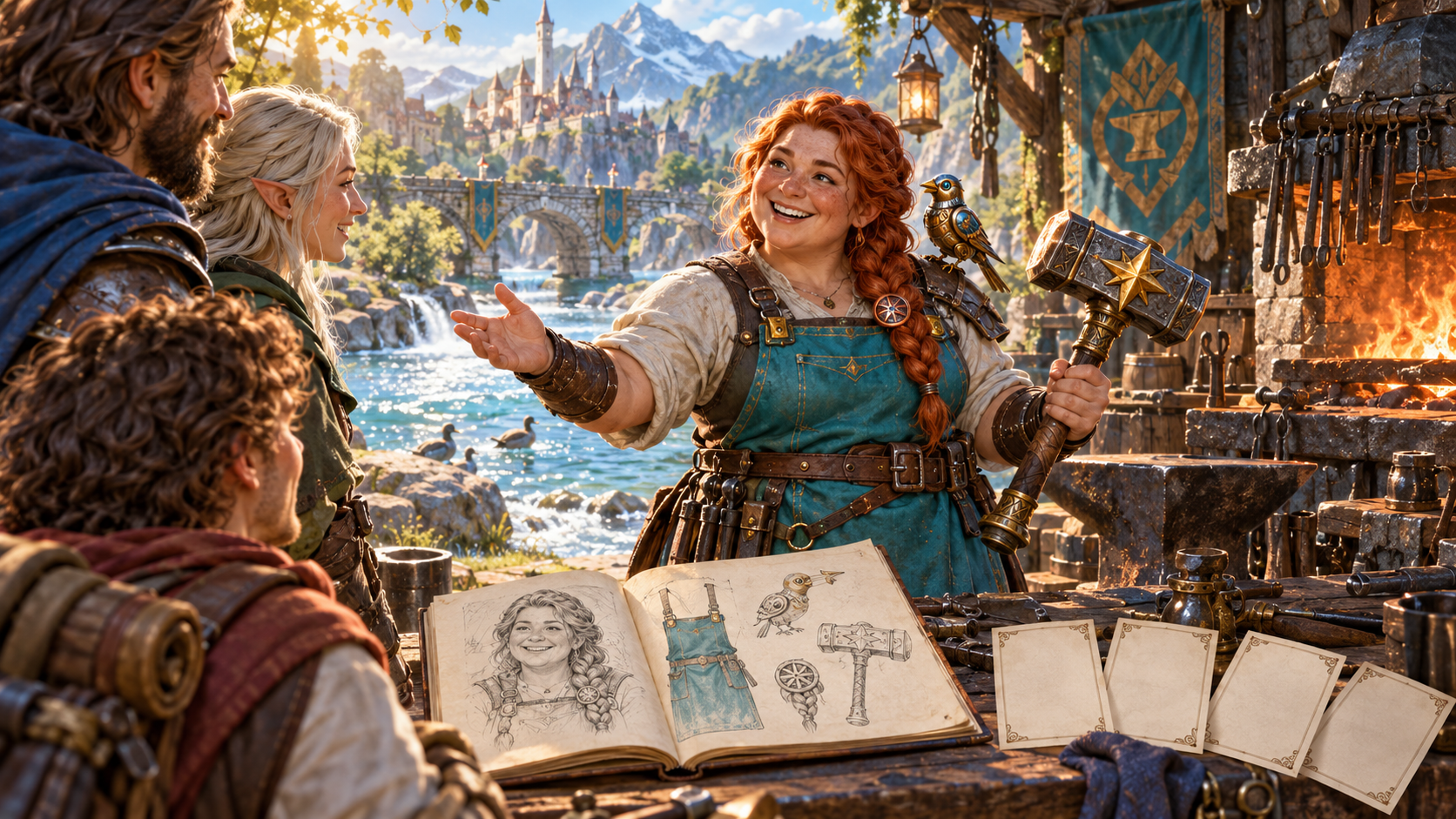
The details you already have
A forge worker greets returning adventurers beside a sketchbook of her appearance, apron, bird and tools. Blank cards sit next to those remembered details in the illustration.
Capture the name, work, place, attitude or visual detail you recall. Complete only what is missing, then review the suggested role, voice, present attitude and want.
What you can create
Build from remembered fragments, then prepare the next conversation.
Record a name, job, place, attitude, visual detail or moment from the last meeting. Those fragments anchor the reconstructed character.
Keep remembered details beside clearly identified missing fields. Review what came from your memory and what the generator added.
Develop a coherent role and work, appearance and voice, present attitude and want around the details you already have.
Use the quick workflow to capture the available fragments and choose how much of the character to complete.
Add the last meeting, a remembered visual detail, anything to avoid and private Dungeon Master context in the deeper workflow.
Review guidance for bringing the character back, with a reintroduction line that draws on established details. A forgotten name need not be spoken.
Review and edit the result, lock details you want to keep and reroll the parts you need to refine. Keep the remembered past as the reference.
Save, reopen, rename, duplicate, search, tag and annotate reconstructed characters. Delete records you no longer need.
Keep earlier variations available in a twelve-version history while deciding how to use the character in your campaign.
Copy a table-ready character with the reintroduction first, choose a full Dungeon Master or player-facing view, download the structured record or print it.
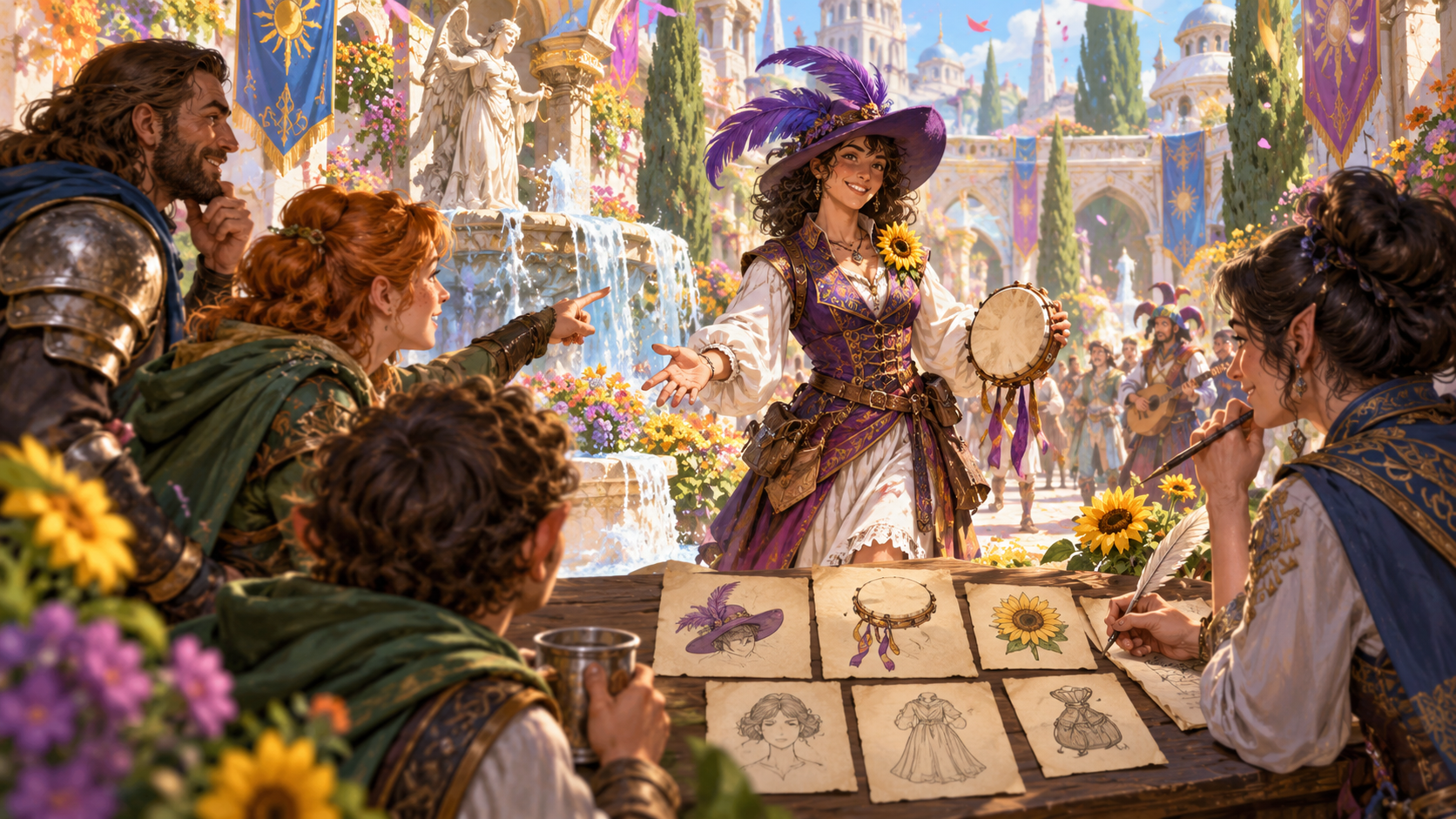
From fragments to a character
A festival performer stands beside illustrated cards showing a hat, drum and sunflower while a new sketch takes shape. The artwork shows remembered clues and pieces being reconstructed together.
Use the quick workflow to enter what you remember and choose how much to complete. Add the last meeting, a visual detail, things to avoid and private context when you need deeper guidance.
Prepare the return
Review the reconstruction before bringing it back to the table.
Capture a name, job, place, attitude or earlier moment. Even a few details give the reconstruction a starting point.
Describe the previous meeting and any visual detail you remember. Include things to avoid and private Dungeon Master context.
Check remembered facts separately from the suggested missing fields. Edit, lock and reroll the pieces you want to refine.
Read the continuity guidance and the line based on established details. Choose the view you need for the next conversation.

Back at the table
An innkeeper welcomes returning adventurers around a sunny table while a Dungeon Master records details nearby. The illustration centres on a natural reunion with a minor character.
Put the reintroduction line first when copying the table-ready result. A name you cannot recall need not be spoken. Use the character and continuity guidance to reopen the conversation.
Keep the character close
Save the reconstruction, revisit versions and prepare your table material.
Save reconstructed characters, reopen and rename them, or duplicate a record for another variation. Delete records you no longer need.
Find the character again through search. Add tags and annotations to connect the record with your session notes.
Keep earlier variations available as you refine the missing pieces. Revisit the version that best fits your remembered character.
Choose a full Dungeon Master or player-facing view, copy the table-ready material, download the structured record or print it.
Your workspace and related products
Open VISINVOKE products through your account.

Open I Forgot This NPC from the Generators collection in your signed-in Windows desktop workspace.
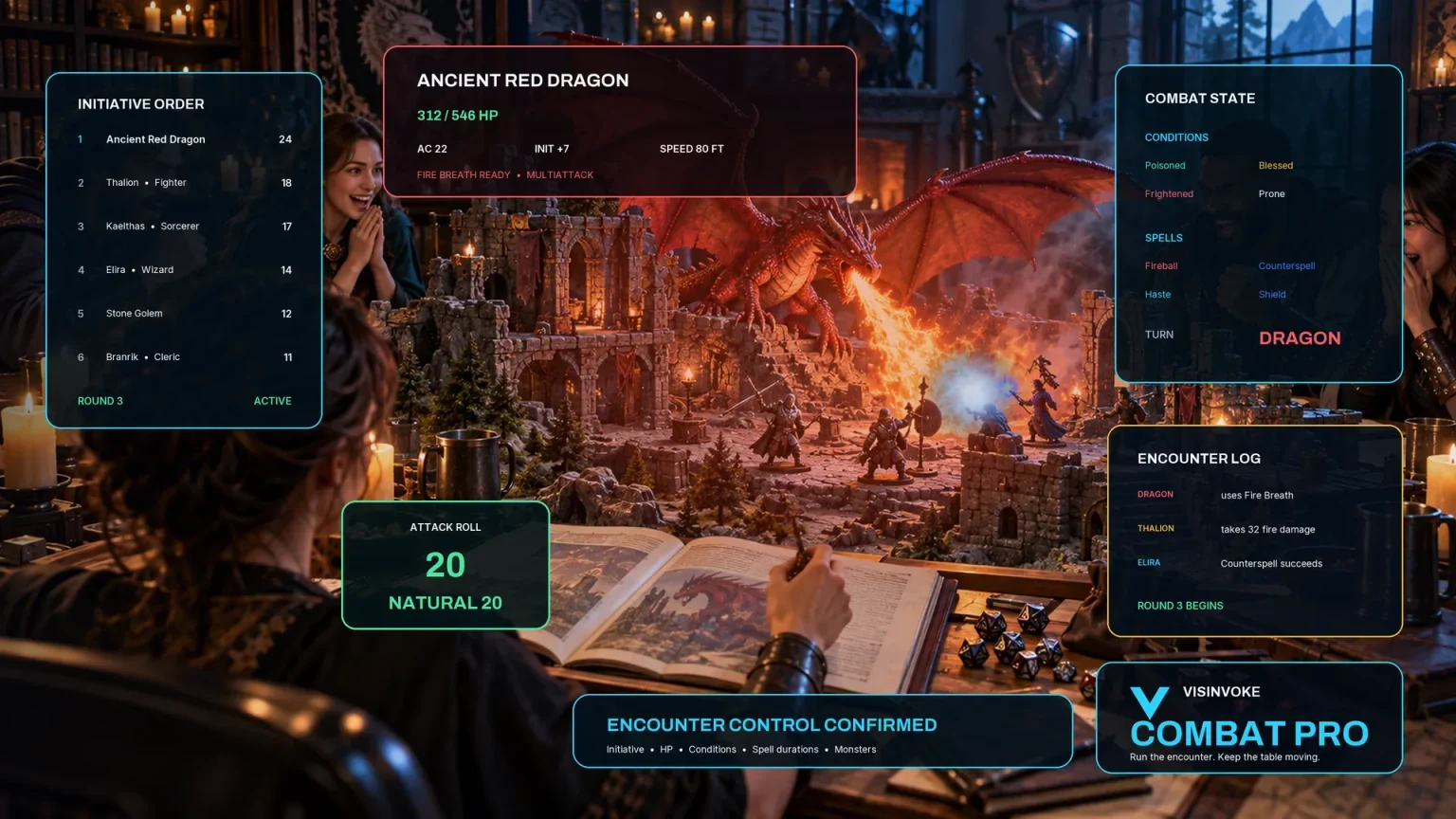
Explore a separate VISINVOKE workspace for preparing and running combat at your table.
Images are product illustrations. I Forgot This NPC provides character material independently of combat.
Questions and answers
Remembered fragments, missing pieces, continuity and records at a glance.
It reconstructs one minor character from details the Dungeon Master remembers. The result separates remembered facts from suggested missing fields and includes role, appearance, voice, present attitude, want, continuity guidance and a reintroduction line.
Write whatever you remember. A name, job, place, attitude, visual detail or earlier moment can help. Add the last meeting, things to avoid and private context when you need more guidance.
No. Work from the details you do recall and review the suggested missing pieces. The reintroduction line uses established details, so a forgotten name need not be spoken aloud.
Review, edit, lock and reroll the result. Save characters to your account library, reopen or duplicate them, and revisit a twelve-version history. Search, tags and notes help you find the record again.
Copy the table-ready character with the reintroduction line first, use the full Dungeon Master or player-facing view, download a structured record or print the result.
It focuses on reconstructing a minor character. It creates no secret, quest, combat state or Combat PRO handoff and does not turn the character into a permanent companion.
Continue in VISINVOKE
Create a free VISINVOKE account or sign in to your existing account. Get Desktop Control Centre through your account installer page.
Open I Forgot This NPC in the Generators collection on Windows. View current subscription details in your account.